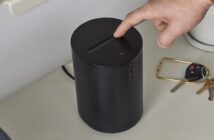
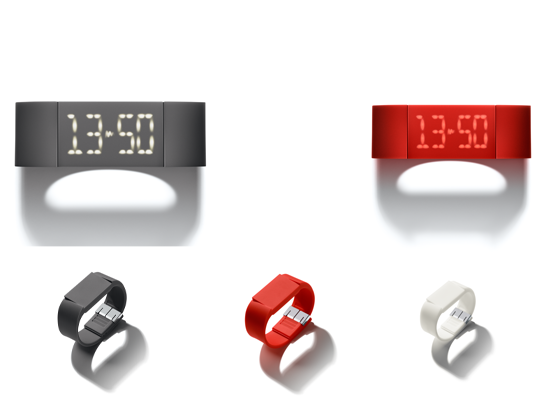
GadgetsBoy Unboxes the MUTEWATCH and gives you First Look around the amazing digita watch with capacitive touch screen and swipe gestures. It has a motion sensor allowing you to simply tilt your wrist to wake up your watch. It will last 3-4 days and takes 2 hours to fully charge via USB. Weighing just 40 grams, you can’t feel the weight on your wrist and you can set up to 5 alarms.
Features:
- The Mutewatch features a hidden touchscreen.
- Tap the flat surface or flick your wrist to activate the glowing display.
- Access the Mutewatch functions – clock, alarm and timer – by swiping horizontally.
- Set your timers and alarms by swiping or tapping the top or bottom of each digit.
- When your timer or alarm goes off, silent vibrations will let you know if it’s time to sum up, move on or get going.
- Choose between a short vibration without a dismissal function and a long vibration with a dismissal function – depending on what situation you’re in.
Find out more at Mutewatch