
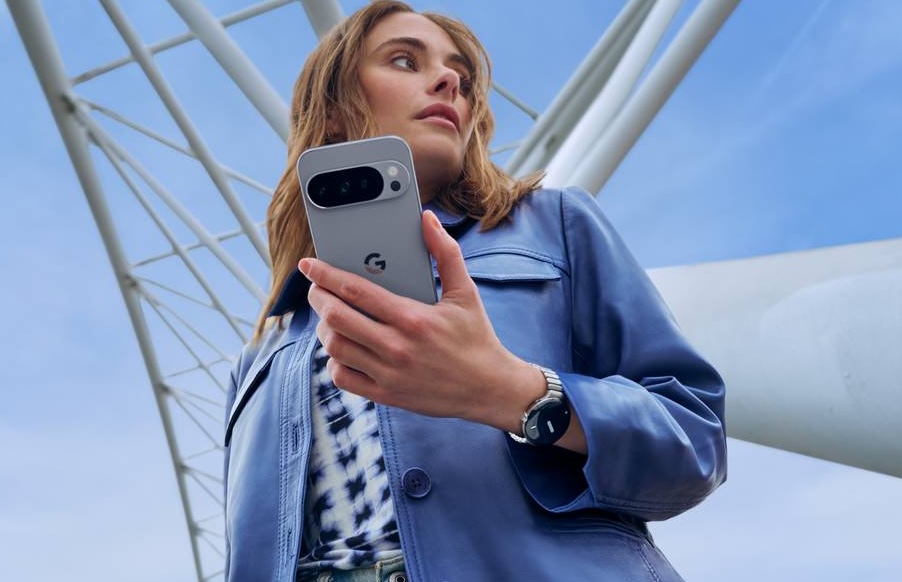
In what could be described as one of the biggest surprises for Android users this 2025, Google has confirmed that it’s been working on a way to allow Pixel users to share files with iOS users by way of interconnectivity between Quick Share and AirDrop. The new update was made public via an official post from Google, which pretty much tells us all there is to know with the new update. If you’re unfamiliar with the entire process though, here’s a quick rundown of what’s involved.
CHECK OUT: Apple Finally Lets You Change How Liquid Glass Looks on your iPhone—Here’s How to Do It
What are Quick Share and AirDrop?

For those not too familiar with the features, Quick Share and AirDrop are both built-in features of Android and iOS respectively, which allow users to send and receive files wirelessly much faster than Bluetooth. Quick Share works mainly with Android devices, allowing you to send photos, documents, and more from a Samsung phone to another Samsung phone, or to a Google Pixel device, or even a Windows laptop, and so on. AirDrop on the other hand works the same way between iPhones, Macs, iPads, and other Apple products.
Will the New Update Work with All Android Phones?

At the moment, Google says that the new update will only allow file sharing between iPhones and Pixel 10 devices, which should include the regular Pixel 10, 10 Pro/XL, and the 10 Pro Fold. The company does say that it’s planning on expanding the feature to more devices soon, which we reckon means older Pixel models and other Android brands as well. Google isn’t exactly clear though on why the feature is limited to the Pixel 10 series, as it doesn’t offer a specific explanation on its announcement post.
How Does it Work?
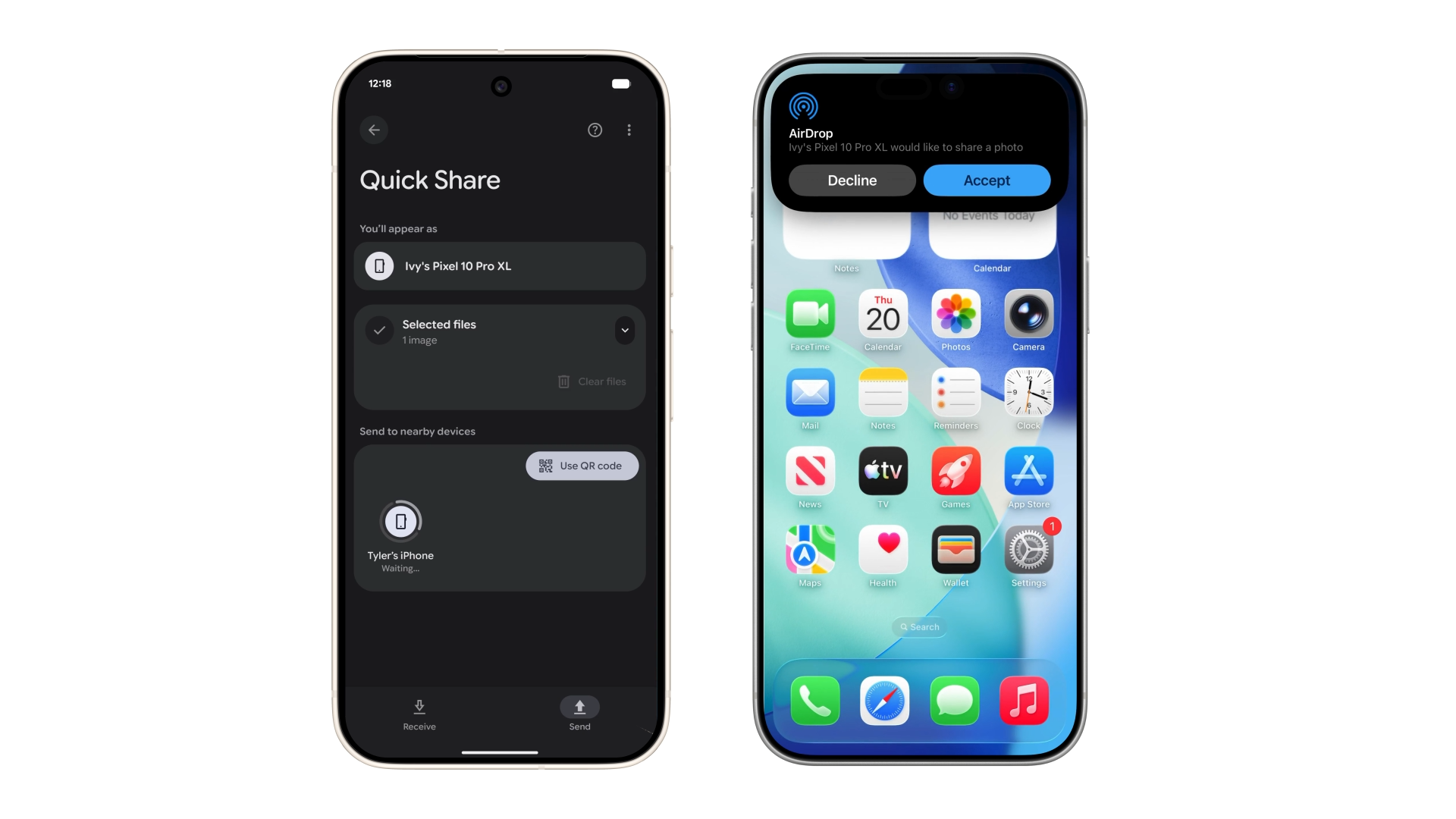
The best thing about the new update is that neither Pixel or iPhone users will have to install an additional third-party for it to work. Instead, Pixel 10 owners will need to wait for an update from Google which will bring Quick Share-AirDrop connectivity to their device. Once it becomes available, the target iOS device will need to enable visibility to “everyone for 10 minutes” on their device to allow the Pixel phone to connect and send (or receive) files. Google adds that it’s also designed the feature with security in mind, so you can rest assured that your file transfers are secure.
Have you tried out the new Quick Share-to-Android file sharing feature yet? Let us know how it goes in the comments below!